Drag & drop reordering
Rearrange pages before you save — not after, in some other app.
Image → PDF, the tidy way
Pick images, drag them into order, tune the quality — KlinPDF builds a polished PDF in seconds. No desktop. No fuss.
The flow
Built around how people actually scan things on the go — receipts, notes, ledgers, IDs — not how a desktop scanner thinks they should.
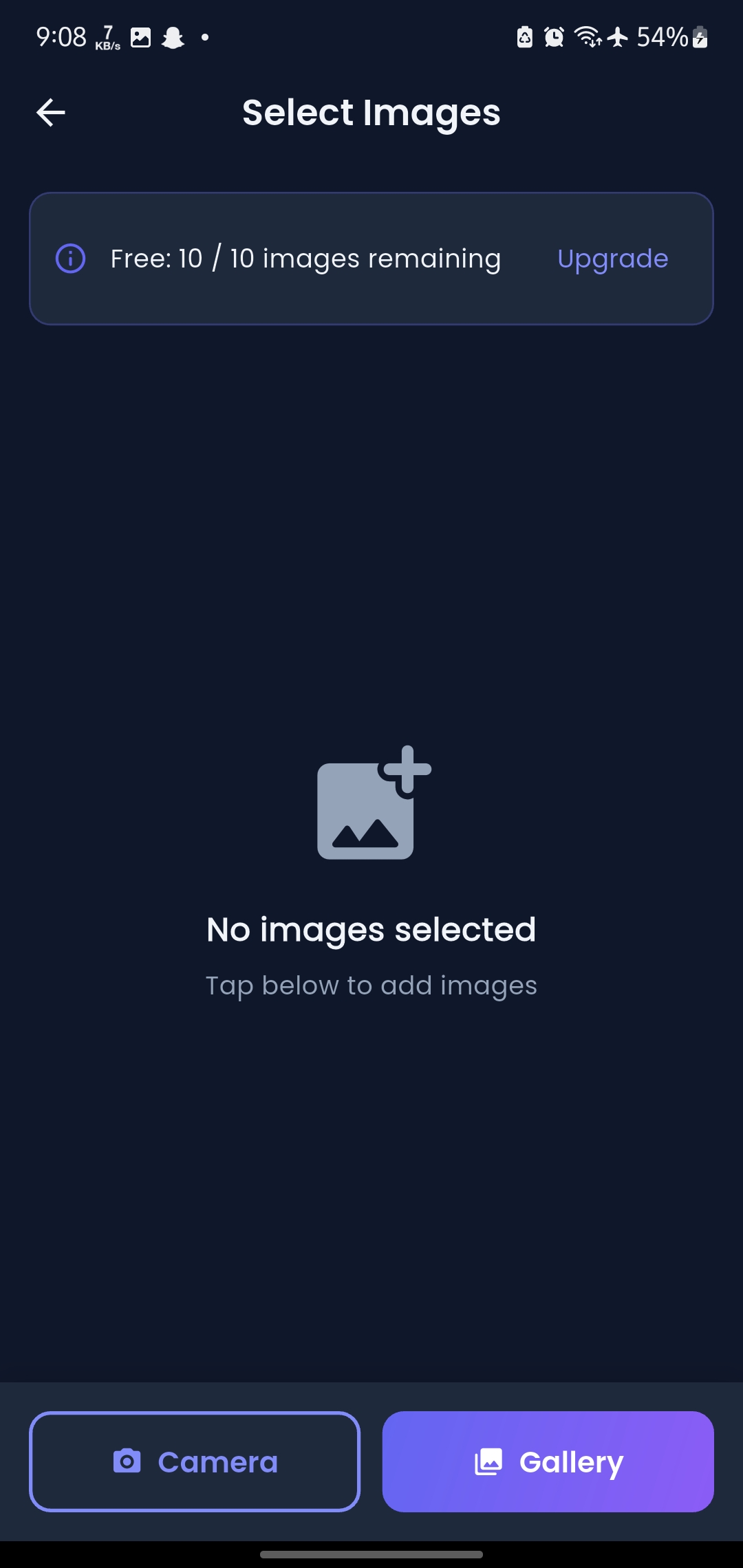
Pull straight from your gallery or snap fresh photos with the camera. Free accounts get 10 images per batch — plenty for a stack of receipts or a short report.
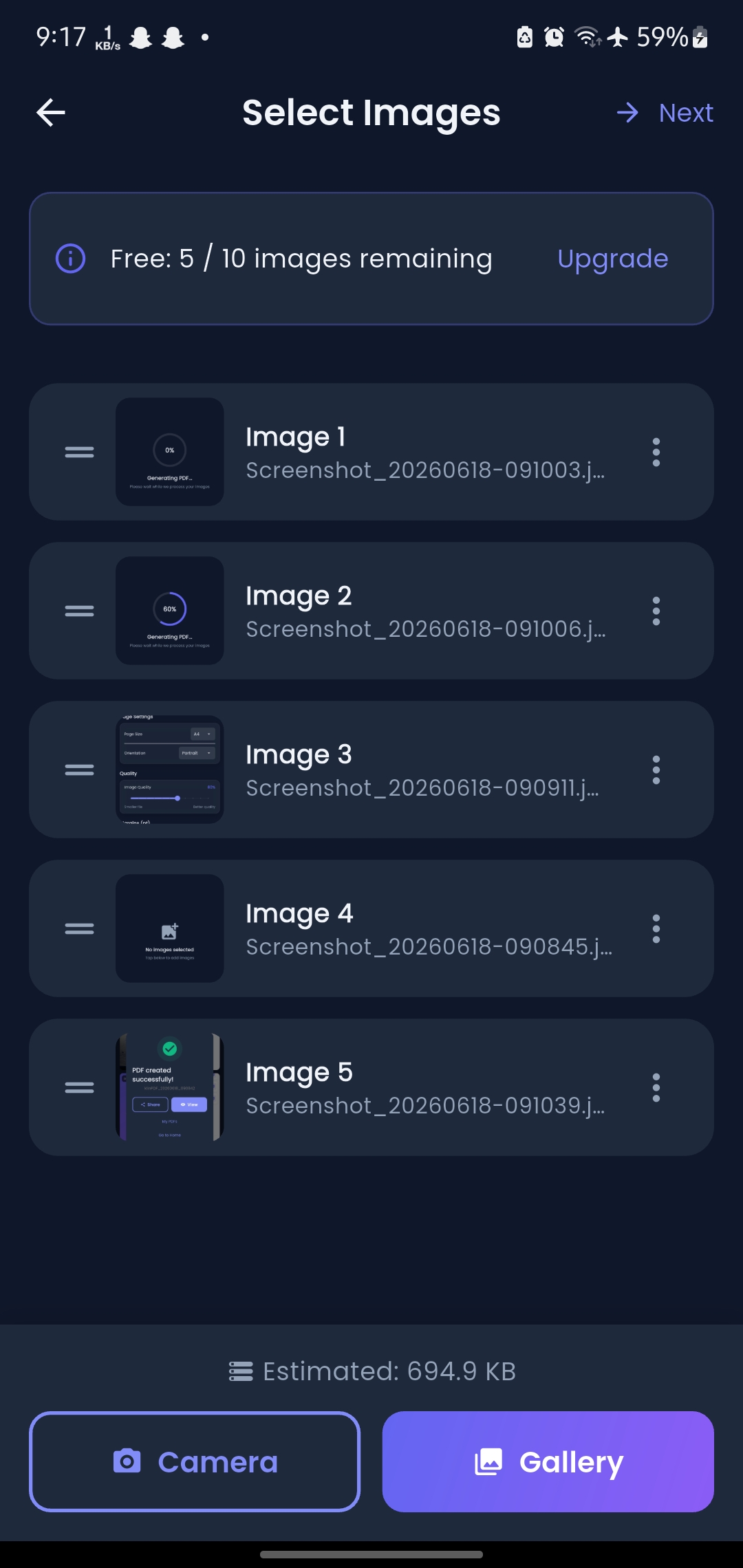
Long‑press the handle and drag any image up or down. KlinPDF generates a live preview in the background, so you watch your document take shape page by page.
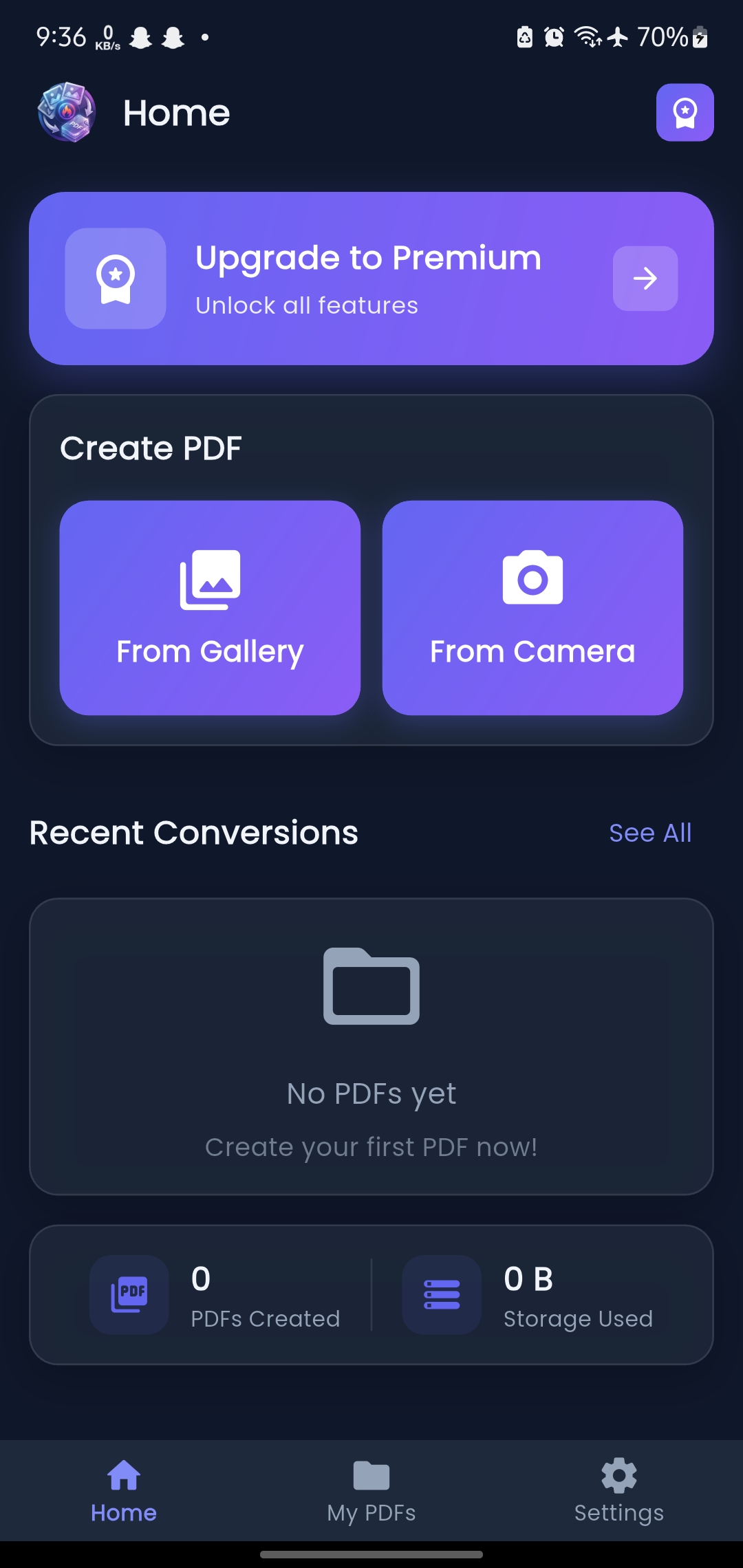
Your finished PDF lands in My PDFs — no extra screens, no dead ends. Share it over WhatsApp, email, or save it straight to storage.
What's inside
Rearrange pages before you save — not after, in some other app.
Pick the page size and orientation your document actually needs.
Slide between 10–100% to balance crisp detail against file size.
Lock sensitive PDFs — ledgers, IDs, contracts — with a passcode.
See the exact finished document before it's written to your phone.
Send PDFs straight from the app — no exporting, no extra steps.
Questions
No. Conversion happens on your device. Your images and the PDFs built from them are never uploaded to a server as part of the core conversion process.
Free accounts get 10 image conversions per day. The counter resets daily, or you can upgrade to Premium for unlimited conversions right away.
Yes — password protection is set per document in PDF Settings before you save, so you choose exactly which files are locked.
KlinPDF is built with Flutter and runs on Android and iOS from a single codebase, so the experience stays consistent across devices.
Yes. Premium is a standard subscription managed through your app store account — cancel anytime from your store's subscription settings.
Free to start. No account required. Ten conversions a day, right out of the gate.